Send the right cart.
Every time.
Turn the products you recommend into one reusable link. Shoppers open your store’s own cart with the right variants and quantities already in it, from an email, a DM, a QR code or a support reply.
7-day free trial · Your products. Your storefront. Your checkout.
How it works
From a product selection
to a ready-to-buy cart.
Create the selection once. Share it wherever your shoppers already hear from you.
Illustrative case studies
Seven example stores.
Seven cart journeys.
These fictional merchant scenarios follow shoppers from the first message to checkout, with SendTheCart workspace captures behind them.
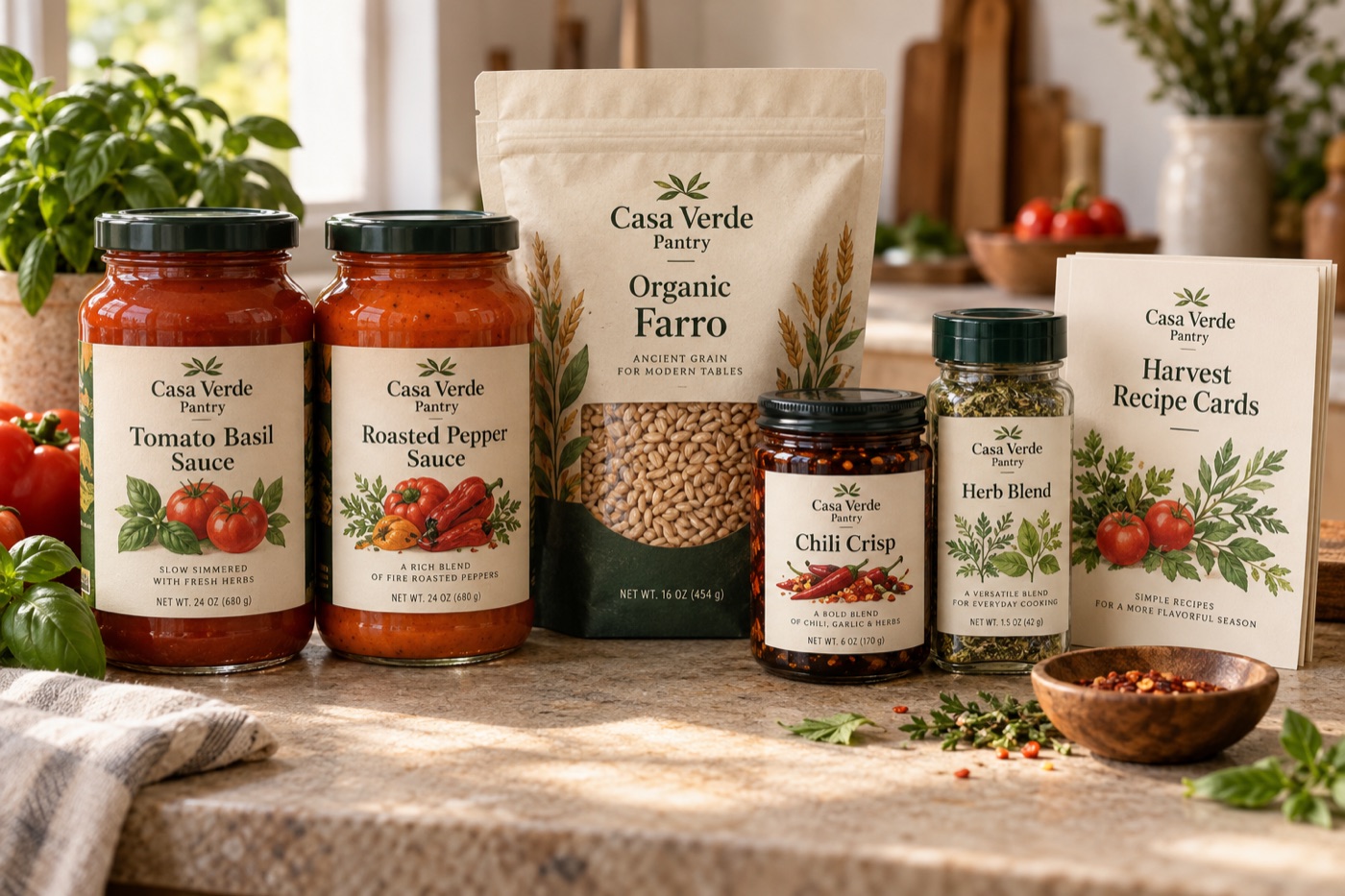

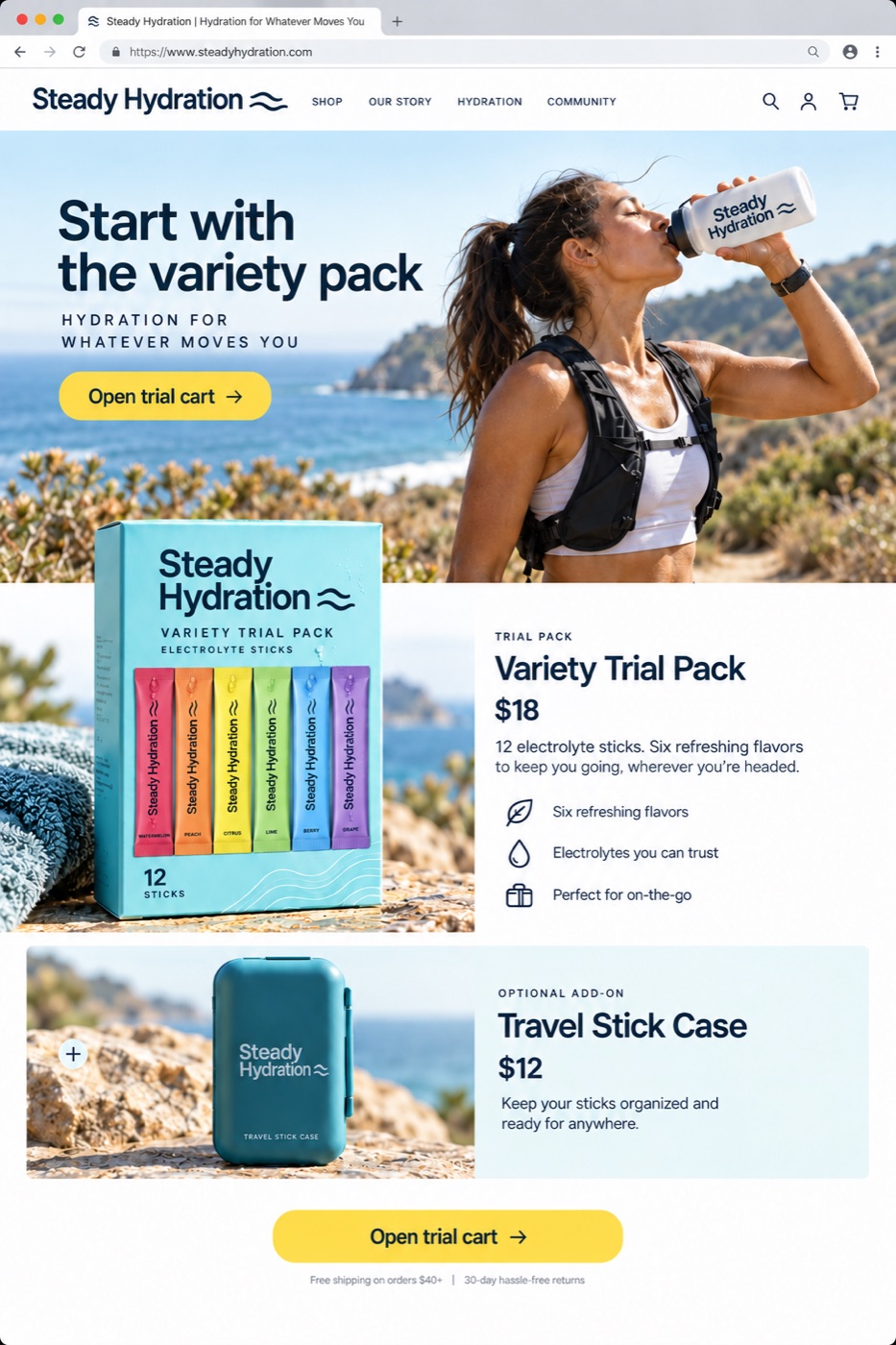
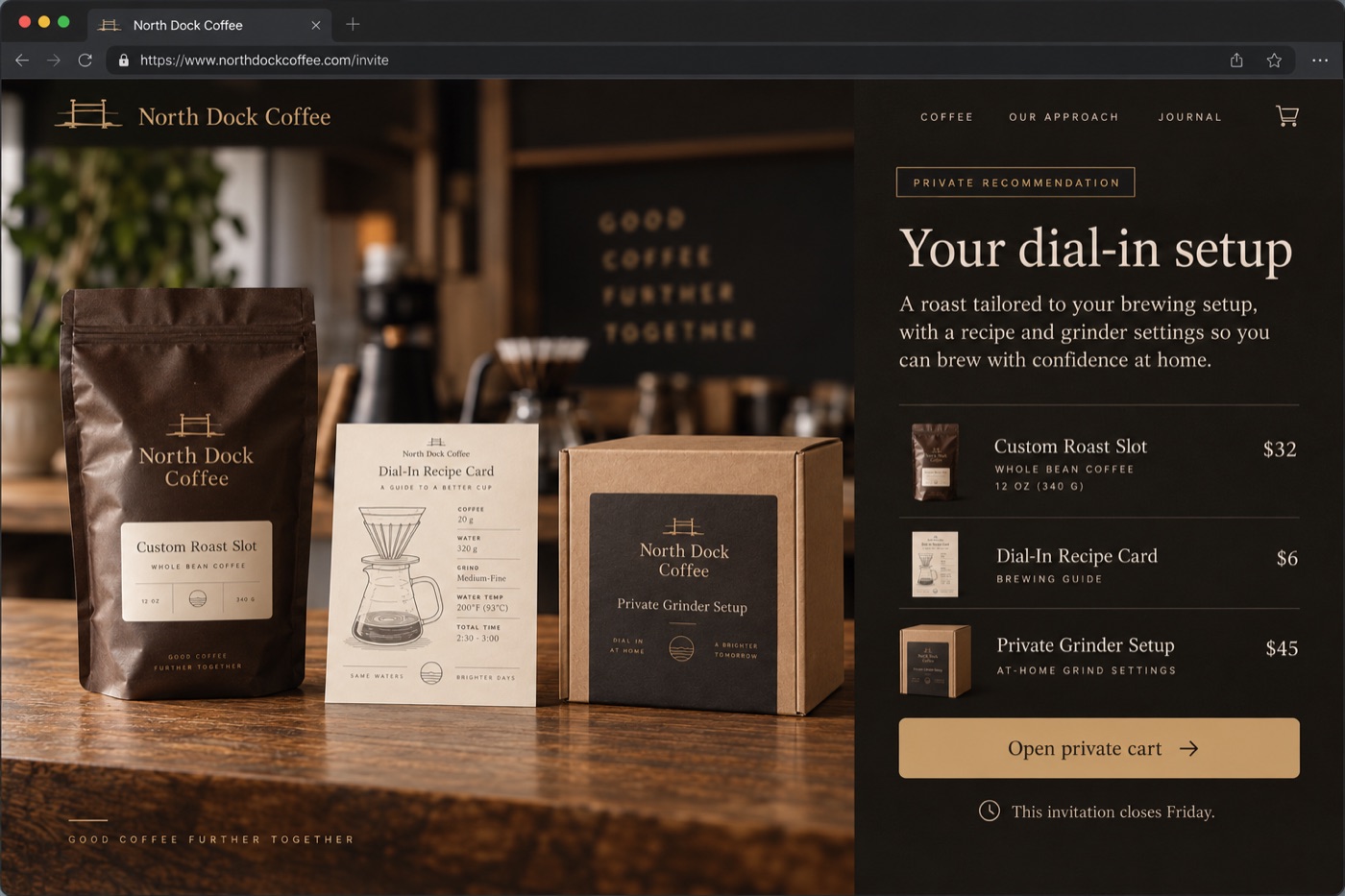



Example merchants built to show complete workflows. Products, names and prices are illustrative.
Cart behavior
Keep their cart.
Or start fresh.
A support recommendation can join the shopper’s existing items. A campaign kit can replace them with your saved selection. Choose the behavior that fits the moment.
Explore cart controlsLink controls
One cart.
A link for every channel.
Give each creator, placement or send its own link to the same saved cart. Edit the products once and every link follows. Expire or disable any link without touching the others.
Store pricing, availability and checkout stay with your ecommerce platform.
Separate events. Clearer numbers.
A link generated.
A cart created.
An order attributed.
Publishing a link and a shopper using it are different actions. SendTheCart keeps every step separate, so you always know which link built which order.
Use cases
One link for
every moment.
Most offers lose something between where they’re promised and where they’re paid for. These are the places a SendTheCart link closes that gap, each one built from a saved cart in your store.
Ads & paid social Point every ad set at its own link to the same cart, and let the numbers tell you which one sells.
Test offers as fast as you test creative
The offer and the products live in the link, not the page. One saved cart can carry a different tracked link for every ad set, so you can compare where shoppers start the cart.
- Duplicate a link, change the offer, live in seconds
- Keep winning ads running and swap the offer behind them
- One link per ad set, so the numbers stay separate
- Schedule the offer to expire with the campaign

Email & SMS Open, tap, and the whole cart is already there. Nothing in between to talk them out of it.
Inbox to cart, in one straight line
The products, variants and quantities you picked are in the cart before they finish reading. There’s nothing for them to search for or rebuild.
- No code to mistype or leak
- Works in one-off campaigns and the flows you already run
- Keep their cart, or replace it with the campaign selection
- Fewer “my code didn’t apply” support tickets
Socials & DMs Give every post, story and DM its own link and learn which piece of content actually sold.
Know which post did the selling
A link per post ties orders back to the exact reel, story or DM that earned them, instead of everything collapsing into one link in your bio.
- Sell straight from posts, stories and DMs
- Link uses and orders per post, per story, per platform
- Link the products in the post, not the homepage
- Change what a link opens without touching the post
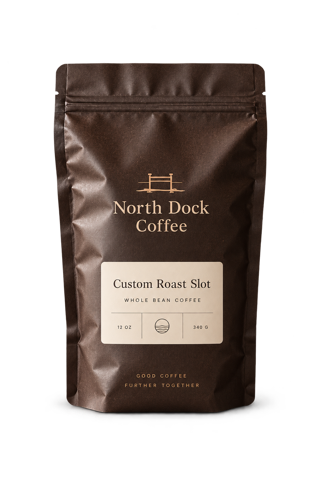
Affiliate & creator sales Give every creator a link instead of a code, and stop paying commission on sales they never made.
Commission you can actually trust
Every creator shares their own link to one shared cart. Each order is credited to the link that built it, so what you pay out matches what the creator actually drove.
- No code to leak onto coupon sites
- A unique link per creator, with the UTM source set for you
- Their audience gets the selected products in one tap
- Edit the cart once and every creator link follows

Quizzes & product finders Every result opens its own routine, already in the cart.
From answers to a routine, in one click
Map each result to a saved cart. The shopper finishes the quiz and lands in your store cart with the exact routine you’d recommend in person.
- One saved cart per result path
- Exact variants and sizes, not a list of products
- Personalized links per shopper or segment
- See which result sells, not just which one gets picked

Abandoned carts Bring them back to the exact products they left, with a reason to finish.
Pick up precisely where they dropped off
Rebuild what they left behind as a link, down to the variant and quantity, and attach an incentive that fits the cart. One tap and they’re back at checkout.
- The same products, down to the variant
- Store pricing stays in control at checkout
- Replace whatever else is sitting in their cart
- Drops into the recovery flow you already run
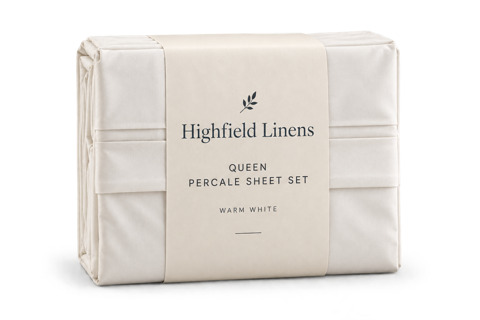
Influencer gifting Send one link. They open the gift set and check out at zero.
Seeding without the spreadsheet
Build the gift set once and give each creator a personal link. Your store handles any offer at checkout.
- A personal link per creator, or one link for the whole drop
- The full gift set already in the cart
- Store checkout handles any promotion
- Expire the link when the seeding window closes
Reorders & retention Thirty days later, one tap rebuys the routine they bought last time.
Retention that runs without you
Save the routine once with the right quantities. Your flow sends the link on schedule and it opens with everything already in the cart.
- The exact quantities they buy, saved once
- Drops into the flows you already run
- Send it thirty days after purchase, or whenever suits
- Use your store’s existing offers when appropriate
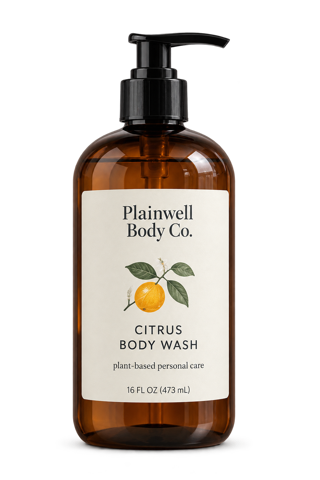
Subscriptions They land with the subscription already chosen, not a toggle to talk themselves into.
The plan is picked before they decide
Save the subscription option with the product, so the cart opens already subscribed instead of losing by default to the one-time option beside it.
- The subscription option saved with the product
- Pair the selection with a store-managed offer
- Move one-time buyers to a subscription in one message
- Renewals bill through your store as usual
VIP & early access A drop that only exists for the people holding the link.
Private actually means private
The cart link doesn’t create a public page, so the only way in is the link you sent. You decide when it opens to everyone and when it closes.
- Your VIP list gets its own link and its own offer
- Expire it when the public sale starts
- Disable it instantly if it travels too far
- See every use of the link, not a guess
In-store & retail Sell what isn’t on the shelf, and let shoppers scan the set they’re holding.
The sale doesn’t end at the door
Staff build a cart link at the counter for whatever isn’t in stock, then text or email it while the customer is still there. Displays carry a code for the set on show.
- Built at the counter in seconds
- Texted or emailed while they’re standing there
- A cart link on displays and receipts
- A code per location, so every store reports on its own
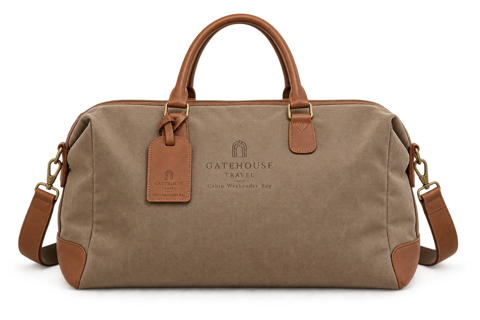
Packaging & print A QR on the box still sells months later, when they’re running low.
Print once, sell for months
Print a QR code pointing to the cart link with your existing design tools. Scanning it opens the selected products in your store cart.
- Cart links for your own printed QR codes
- Change the cart behind the code without reprinting
- Still works long after the box is opened
- Orders you can trace back to a print run

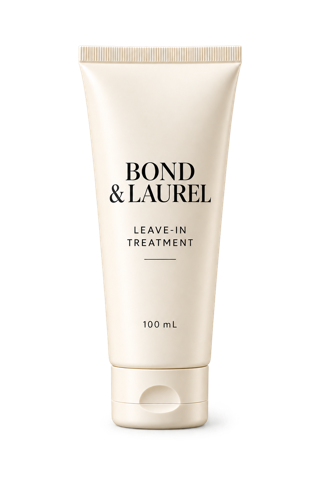
B2B & wholesale Send a stocked cart at the account’s price, no draft order needed.
Send a cart link, not a draft order
Build the order at bulk quantities and send it as a link. Your store applies any account pricing at checkout, and the same link works when they reorder.
- Bulk quantities already in the cart
- Account pricing stays with the store
- Reusable, so repeat orders take nobody’s time
- Rep ownership credits the account to its rep
Support & concierge Turn every support conversation into a sales opportunity, not just a closed ticket.
Answer “which one should I get?” with a cart
Agents send a reviewed cart instead of instructions, so the question that started the chat ends in an order. Every link is credited to the agent who sent it.
- Build the cart while you’re still in the chat
- Send the replacement cart through your store
- Add to their existing cart, so nothing they picked is lost
- Rep ownership credits the sale to the agent
Examples use our illustrative merchants; see the case studies for full journeys. Shopify links run on your store’s domain; other platforms use a short SendTheCart link.
Platform connections
Built for your store.
Shared wherever you sell.
The cart lives in your ecommerce platform. SendTheCart connects the selection, the link and the shopper’s next step.
A few useful answers
Before you send
your first cart.
Know what your link does, what stays in your store, and how the activity is recorded.
Explore the guidesStill have a question? Contact us and we’ll help you set up your first cart.
What is a cart link?
A link that opens your store’s own cart with the products, variants and quantities you chose already in it. SendTheCart adds the parts a plain link can’t: several links per cart, expiry, use tracking and order attribution.
How is this different from a buy button or a product link?
A product link sends one item to a product page. A buy button is a static widget. A SendTheCart link builds a whole saved selection in the native cart, and you can change that selection later without changing the link.
Which platforms does it work with?
Shopify and BigCommerce are in early access. Magento and WooCommerce connectors are planned.
Does it work on Shopify Plus?
Yes. It works the same on every Shopify plan, Plus included, with no upgrade needed.
Is there a free trial?
Yes. Every store gets 7 days free. After that it’s $25 a month, billed through your store, with every feature included.
Do I need to know how to code?
No. You pick products from your synced catalog, save the cart and copy the link. No developer, no theme edits.
Does it work with my theme?
Yes. The link builds the cart in your store and hands off to your normal cart and checkout, so your theme, apps and payment methods stay exactly as they are.
Can I use it with Klaviyo or my email platform?
Yes. A cart link is a regular URL, so it works in Klaviyo, Mailchimp, Postscript, any SMS tool, a DM, an ad or a support reply.
What happens when a customer clicks a link?
The saved products are added to their cart, either alongside what’s already there or replacing it, and they land ready to check out in your store.
How do discounts work?
SendTheCart selects the products and quantities. Your store and its existing pricing tools determine discounts at checkout.
Does it support QR codes?
Use any QR generator to point to a SendTheCart link. Give each placement its own link to track cart uses and attributed orders; QR artwork is created outside SendTheCart.
Do links use my own domain?
On Shopify, links run on your store’s domain, like yourstore.com/apps/sendthecart/summer-kit. On other platforms they use a short SendTheCart link that sends the shopper straight to your cart.
Will it slow down my store?
No. Nothing is added to your storefront. The link builds the cart, then gets out of the way.
Can I track performance?
Yes. See every link use, the cart it created, the UTM source, medium and campaign, and the store orders attributed back to each link.
Can I turn a link off?
Yes. Disable a link anytime or set it to expire when the offer ends. Other links to the same cart keep working.
Is there a limit on links?
No. The $25 plan includes unlimited saved carts, unlimited links and unlimited link uses.